SLOT 01 · EQUIPPEDVISIT →
PC BUILDING.

The boss fight. First builds, part upgrades, and cable management you're not ashamed of.

YOUR FIRST BUILD PARTS & UPGRADES COOLING & CABLE MANAGEMENT
SLOT 02 · EQUIPPEDVISIT →
KEYBOARDS & MICE.

Clack responsibly. Switches, mods, and the mouse your aim keeps blaming.

MECHANICAL KEYBOARDS SWITCHES & MODS GAMING MICE
SLOT 03 · EQUIPPEDVISIT →
CONTROLLERS.

Drift comes for everyone. Choosing, repairing, and modding the thing in your hands.

CHOOSING A CONTROLLER DRIFT & REPAIRS CUSTOM & MODDED
SLOT 04 · EQUIPPEDVISIT →
CONSOLES.

The corner that just works. Setup, storage, and settings for every box under the TV.

PLAYSTATION XBOX NINTENDO & HANDHELDS
SLOT 05 · EQUIPPEDVISIT →
MONITORS & DISPLAYS.

Where the game actually lives. Panels, TVs, and calibration without a physics degree.

CHOOSING A MONITOR TVS FOR GAMING SETTINGS & CALIBRATION
SLOT 06 · EQUIPPEDVISIT →
AUDIO.

Footsteps win fights. Headsets, mics, and speakers your neighbors can forgive.

HEADSETS MICROPHONES SPEAKERS & SOUND
SLOT 07 · EQUIPPEDVISIT →
DESKS & CHAIRS.

You'll sit there for years. Chairs, desk setup, and posture your spine will bill you for.

GAMING CHAIRS DESK SETUP ERGONOMICS
SLOT 08 · EQUIPPEDVISIT →
STREAMING EQUIPMENT.

Go live without the scramble. Cameras, lighting, and audio that sounds like you care.

CAMERAS & CAPTURE LIGHTING AUDIO FOR STREAMING
HowTo Network emblem How To: Gaming THE HOW TO CO. — EDITION 10

● REGION 04 — GAMING GEAR  ·  PC BUILDS · PERIPHERALS · DISPLAYS · AUDIO · CHAIRS

HOW TO BUILD THE ROOM the game deserves.

Eight equipment slots between a laptop on the kitchen table and this. Your frame rate, your wrists, and your spine are all in here somewhere.

08 CHAPTERS  ·  24 SUB-CHAPTERS  ·  UPDATED WEEKLY RGB ADDS ZERO FRAMES PER SECOND. WE CHECKED.
INSPECT THE SETUP — SCROLL
The workbench READS FOR WHILE
THE THERMAL PASTE CURES
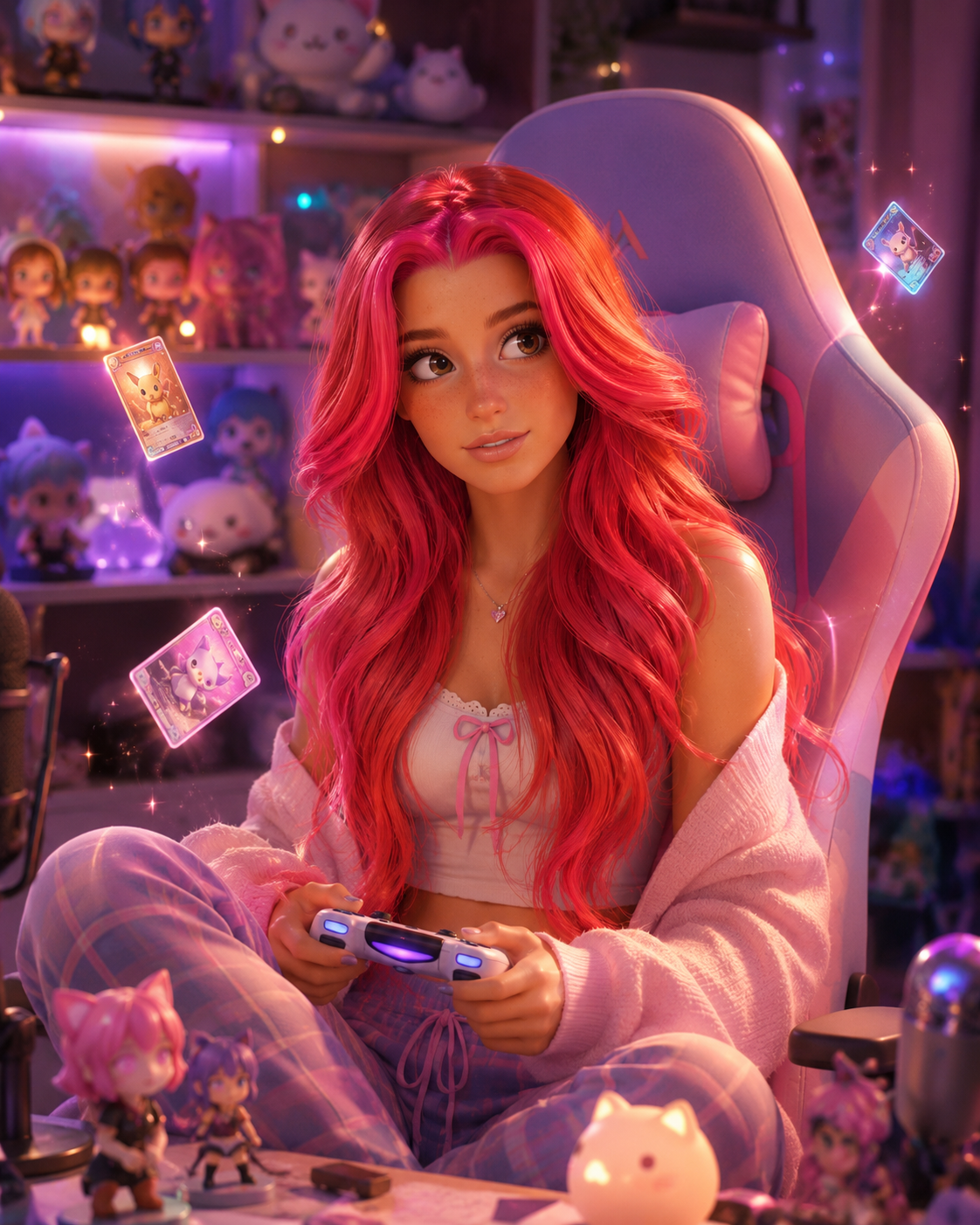
● MAIN QUEST · DESKS & CHAIRS · ★☆☆ · 6 MIN HOW TO SET UP A COZY CORNER that actually gets used. One LED strip, one dock, one good blanket. Poppy on building the corner you drift to by default — no rainbow required. Poppy, contributor BY POPPY — CLASS: CURATOR · THEPINKPIPER.GG
HOW TO PICK A MONITOR WITHOUT LEARNING WHAT A NIT IS ★★☆ · 6 MIN HOW TO FIX STICK DRIFT BEFORE YOU BUY A NEW CONTROLLER ★★☆ · 5 MIN HOW TO CABLE-MANAGE, HONESTLY ★☆☆ · 4 MIN HOW TO SIT LIKE YOUR SPINE MATTERS ★☆☆ · 4 MIN

● A NOTE ON BUYING THINGS

No guide here starts with a shopping list. Fix the actual problem first — the lag, the wrist ache, the mushy stick — and if the answer is still "buy the thing," we'll tell you exactly which one.