01
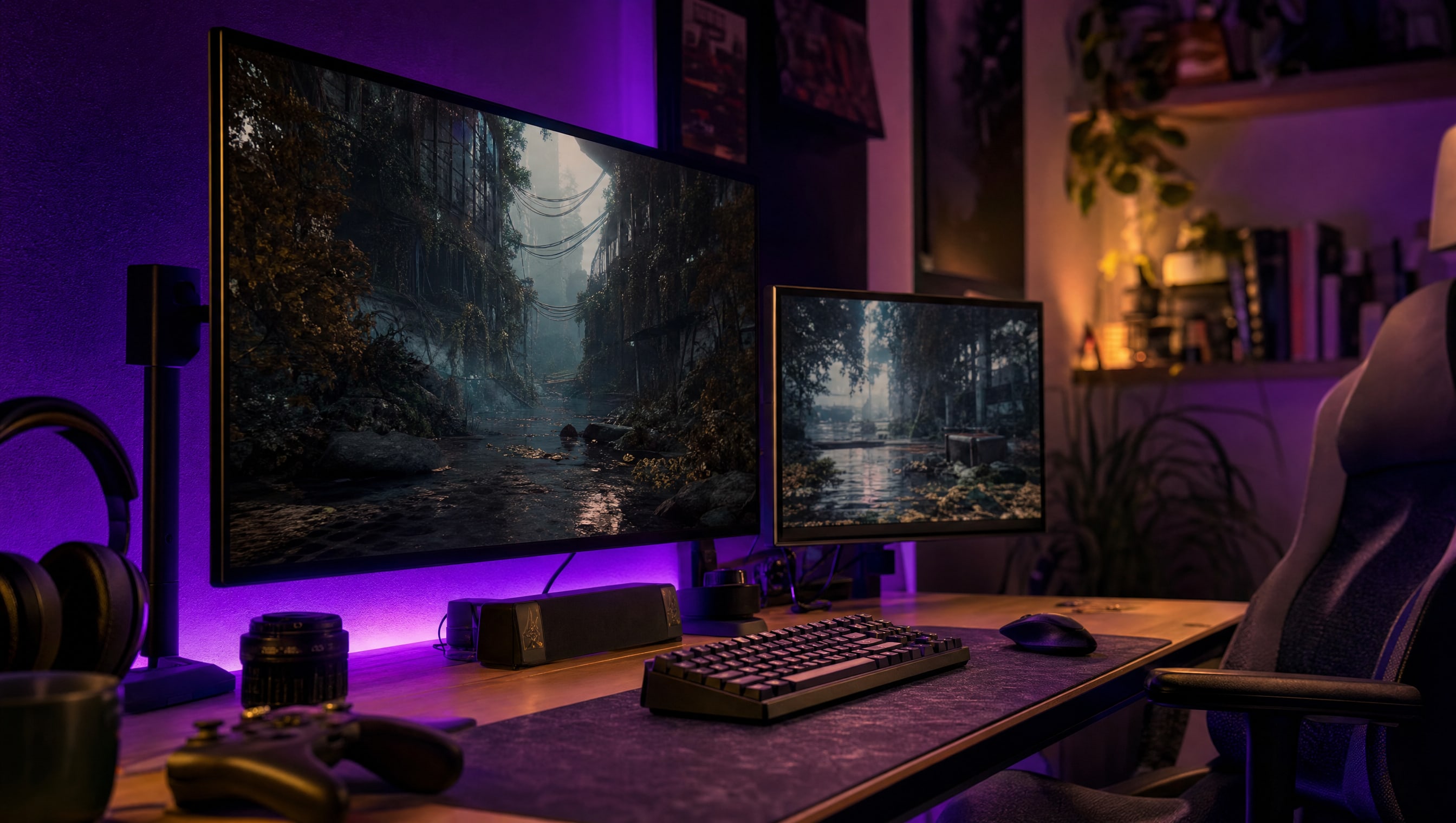
How to choose a monitor size for your desk
Measure the depth first. Everything else follows from that one number.
★☆☆ · 5 MIN
 How To: Gaming
THE HOW TO CO. — EDITION 10
How To: Gaming
THE HOW TO CO. — EDITION 10
THE DETAIL
A monitor is not big or small in the abstract — it is big or small at the distance your chair actually sits. Too large at close range and your eyes travel to the corners all evening. The panel type is the second decision and it is a straight three-way trade: response, contrast, or price. Nothing on the market gives you all three.
5 PIECES · IN THE WORKSHOP
Five pieces on a purchase that gets made on the wrong number more often than any other in this room.
01
Measure the depth first. Everything else follows from that one number.
★☆☆ · 5 MIN
02
The three-way trade in plain language, with what each one costs you.
★★☆ · 7 MIN
03
Where the returns flatten, and what you should buy instead above it.
★★☆ · 6 MIN
04
What it adds, what it breaks, and the games that ignore it.
★★☆ · 6 MIN
05
Dead pixels, backlight bleed and the return window closing.
★☆☆ · 4 MIN
FROM THE CURATOR
Before you order, put masking tape on the wall behind the desk in the exact width and height of the screen you are considering, then sit down and look at it. It takes four minutes and it has talked me out of two purchases and into one. A thirty-two inch panel sounds modest right up until it is a rectangle on your wall and you are sixty centimetres from it.
BY POPPY — CLASS: CURATOR · THEPINKPIPER.GG
SLOT 05 / 08 · MONITORS & DISPLAYS
Every station in this room has its own chapter. This one is 05. Back to the room to walk to another.