HowTo Network emblem How To: Gaming THE HOW TO CO. — EDITION 10
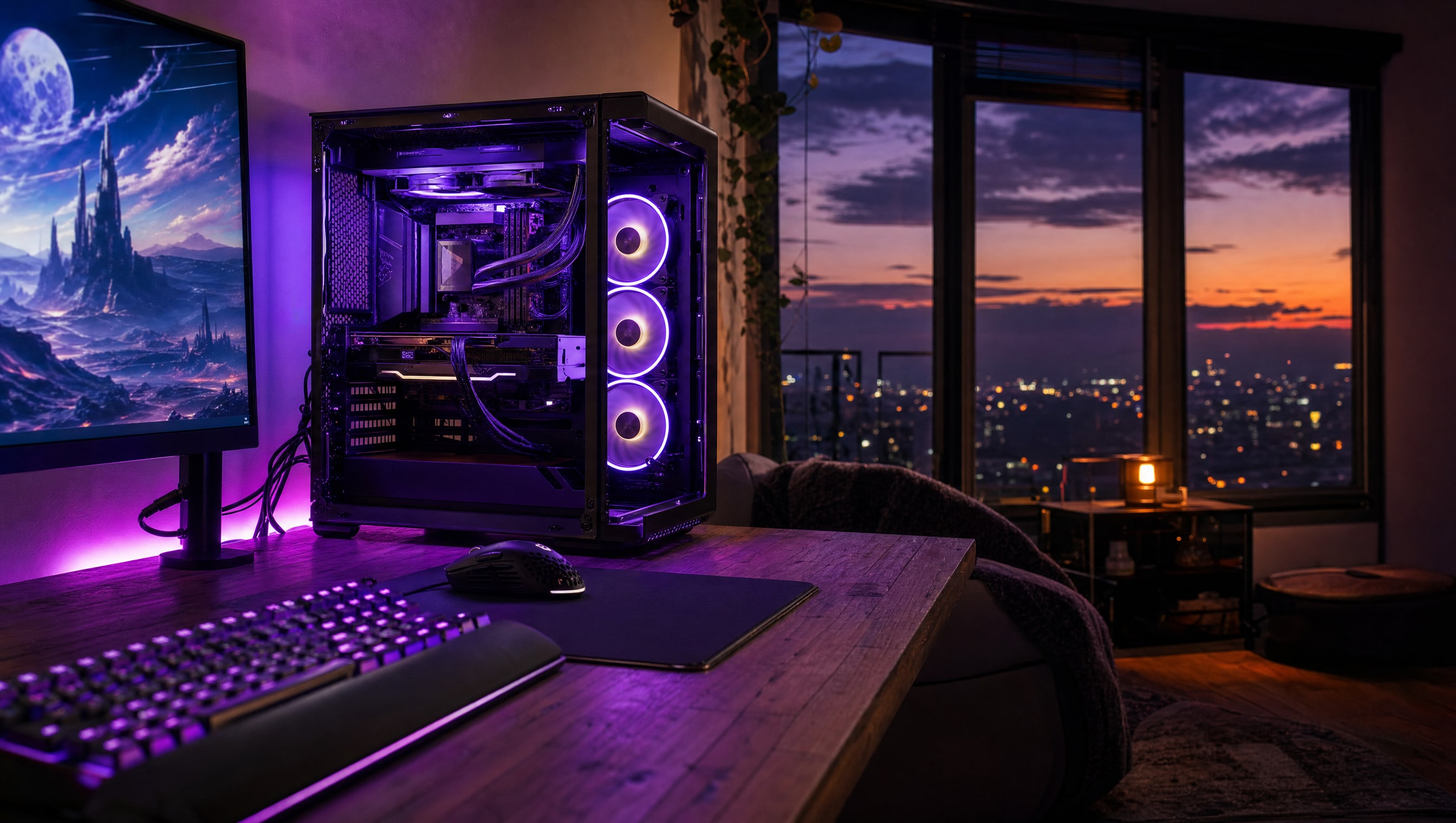
A tempered-glass PC tower on a desk at dusk with its side panel off, ring-lit fans glowing violet.

SLOT 01 / 08 · PC BUILDING

The box everything else plugs into.

Slot 01 is the loud one. Get this station right and the other seven quietly stop being problems.

The tower, opened up.

THREE WAYS IN

Three chapters, three places inside the same box. The socket is where a first build begins and where it most often stalls. The top slot is where every upgrade you will ever buy ends up. The gap behind the tray is where air and cable share a job, and it is the reason a room is quiet or is not.

01 THE SOCKET Where a first build stalls 02 THE TOP SLOT Where every upgrade lands 03 BEHIND THE TRAY Air and cable share this gap
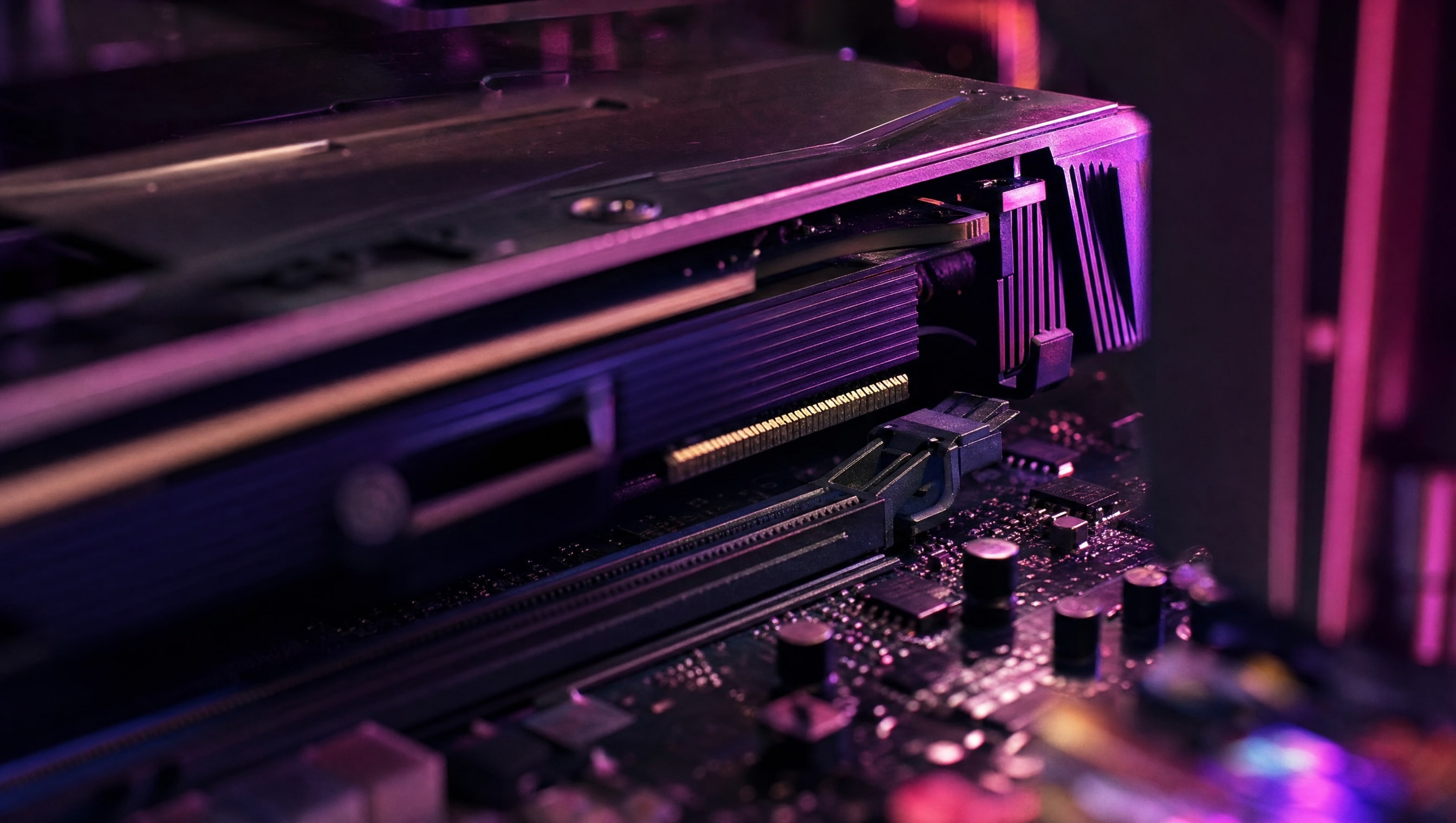
A graphics card seated in its slot, the retention clip closed.

01

Your First Build

Nothing in a first build is difficult. It is just unfamiliar, expensive, and happening in an order nobody wrote down for you.

  • The order to install in, so nothing has to come back out
  • What actually needs force, and what breaks if you use any
  • The first-boot checklist for when the fans spin and the screen stays black
OPEN YOUR FIRST BUILD →
A stick of memory held above its open slot, retaining clips splayed.

02

Parts & Upgrades

One part at a time, in the right order, is how a build stays current for six years instead of three.

  • Which single upgrade moves your frame rate most, and when
  • How to tell a bottleneck from a bad setting before spending
  • Reading a spec sheet for the four numbers that matter
OPEN PARTS & UPGRADES →
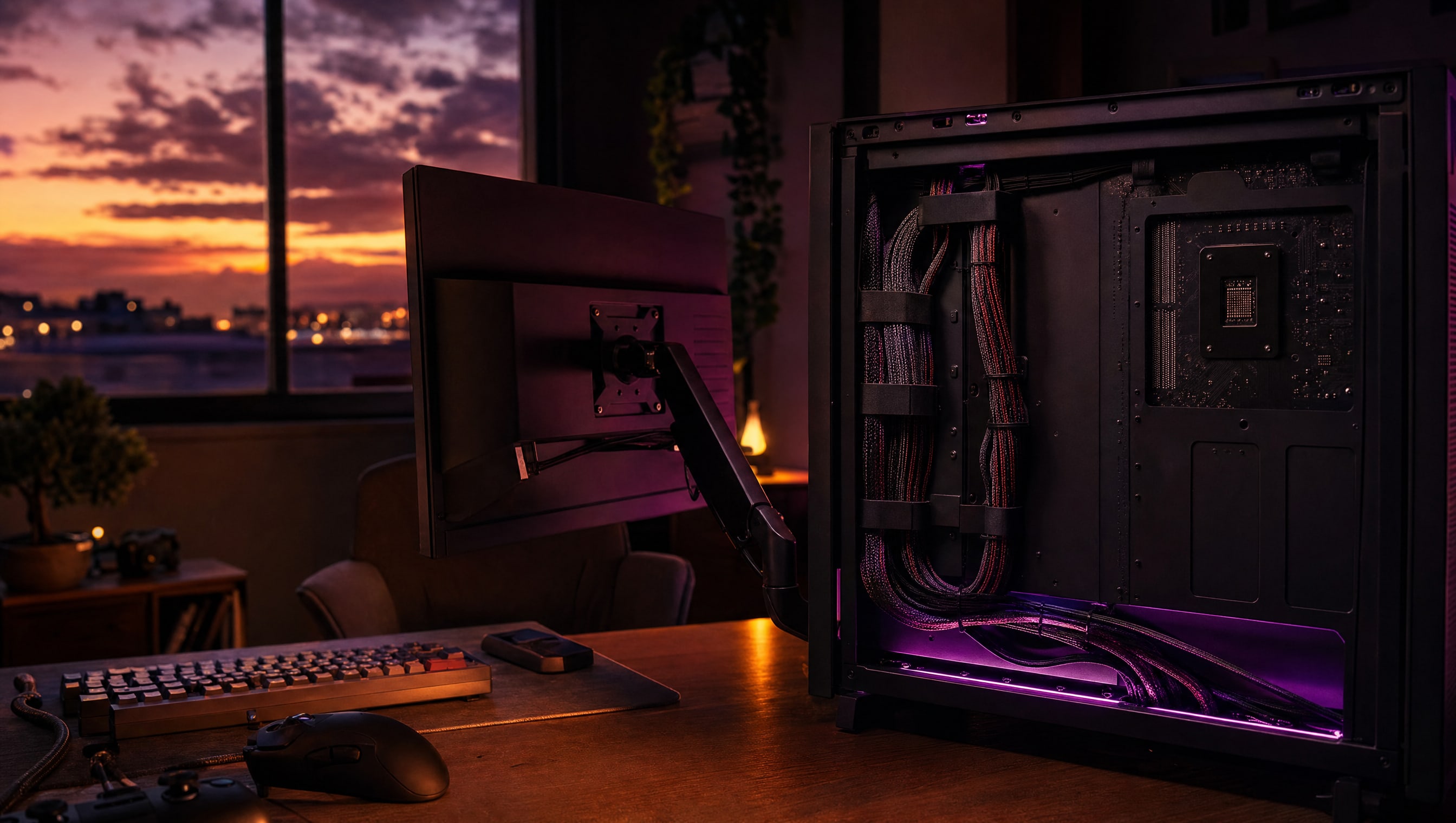
A braided cable bundle routed behind a motherboard tray and cinched with straps.

03

Cooling & Cable Management

Airflow and tidiness are the same job. The gap behind the tray decides how loud the room is at 11pm.

  • Intake and exhaust, and why more fans is not the answer
  • Routing a loom so the side panel closes without a fight
  • Repasting, dusting, and the fan curve worth ten decibels
OPEN COOLING & CABLE MANAGEMENT →
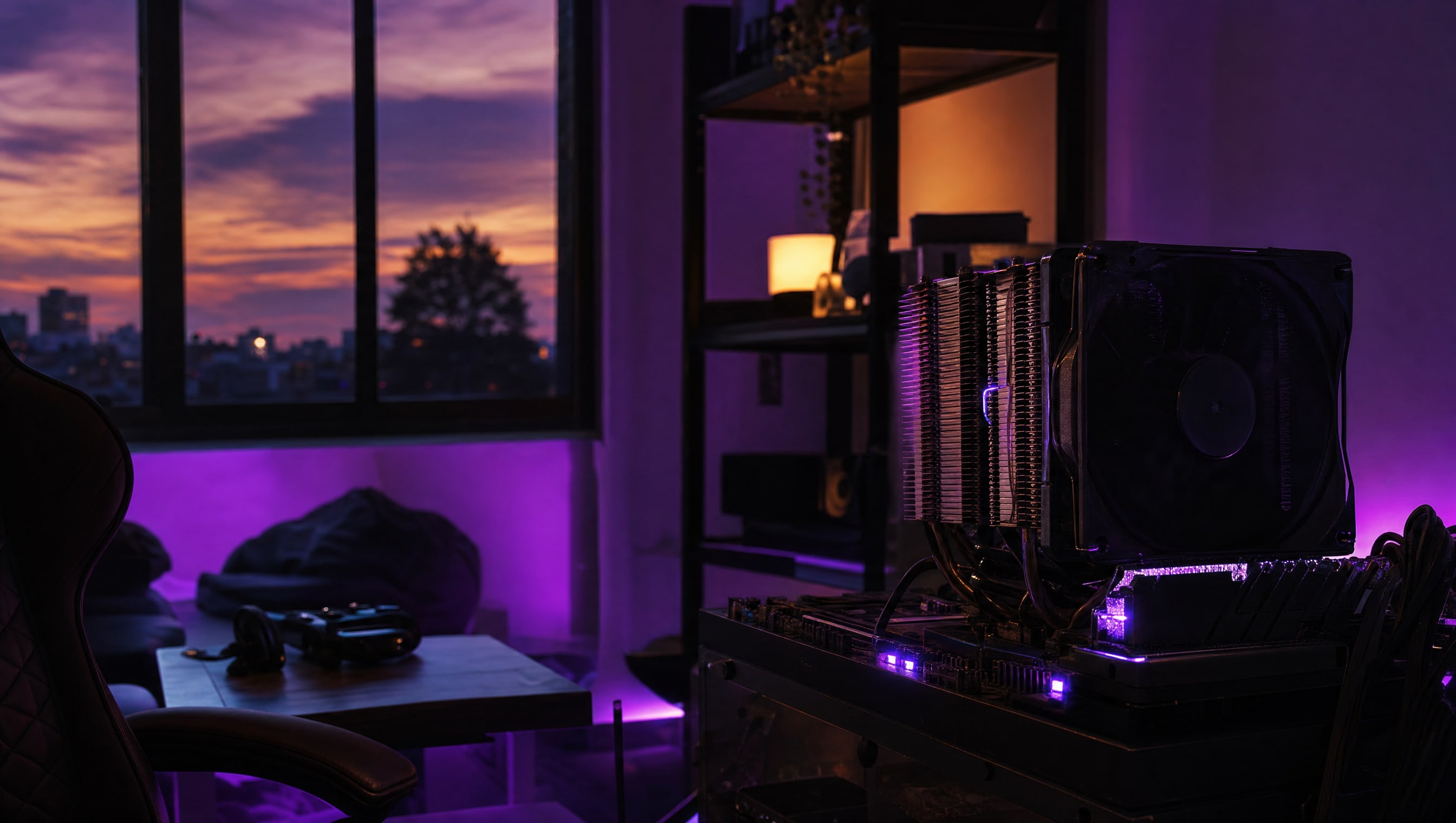
A CPU cooler tower seen from the side, heat-pipe fins stacked in parallel.

A build is finished when you stop hearing it.

SLOT 01 · PC BUILDING
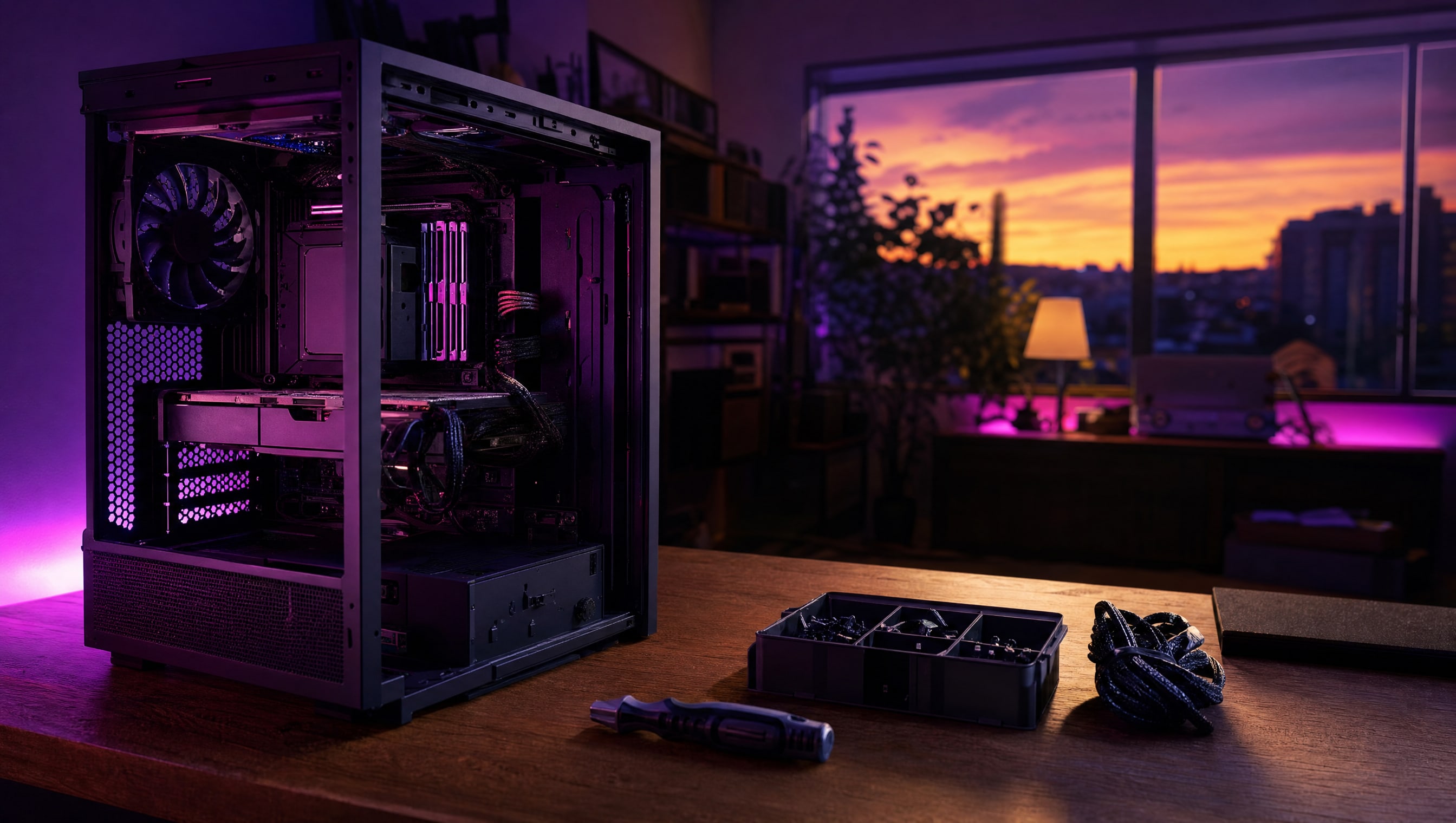
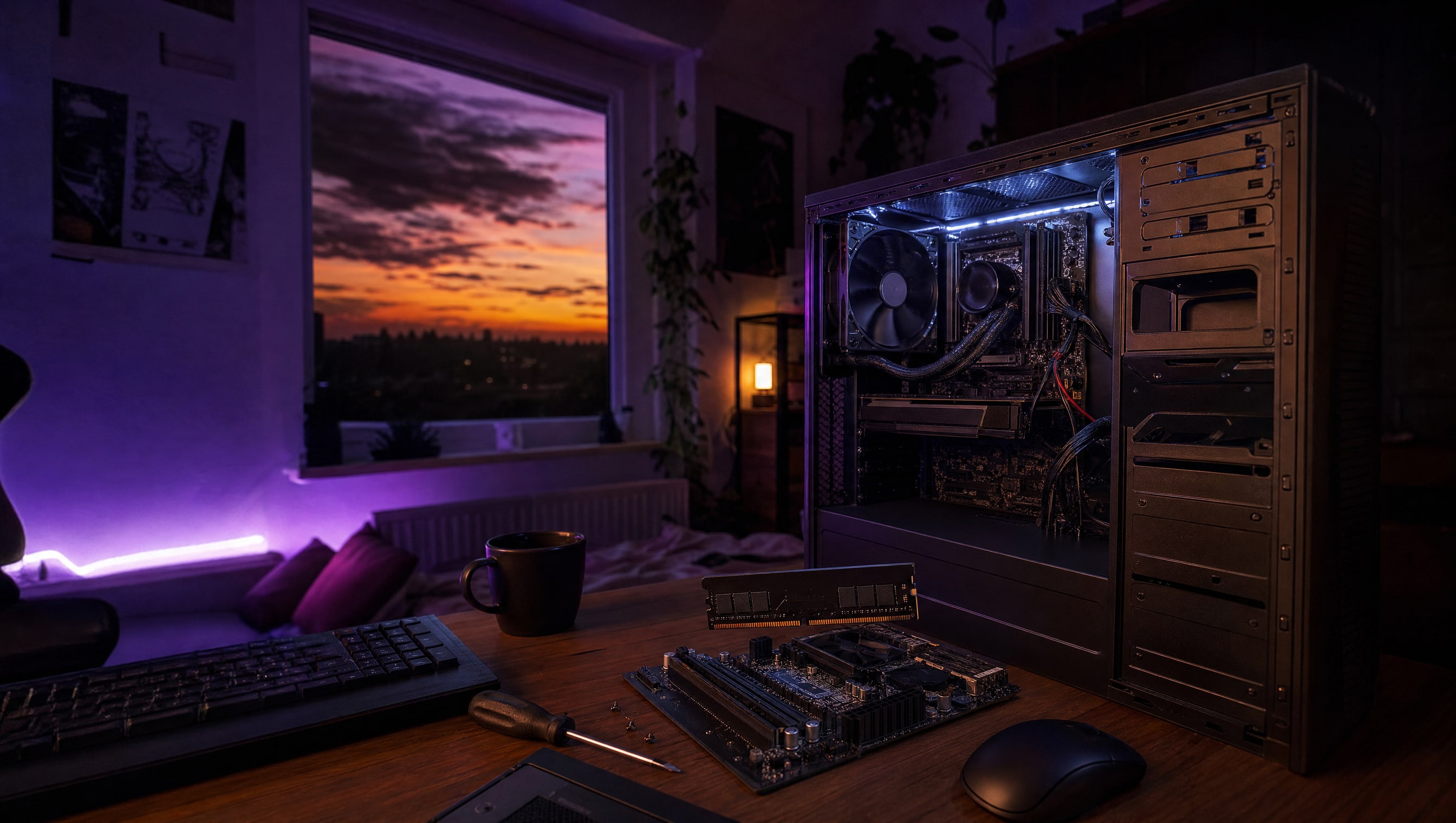
A wide desk at night: an open tower, a parts tray, a screwdriver and a coil of cable.

FROM THE CURATOR

The part nobody photographs

Every build guide ends at first boot. The part that decides whether you like the machine is the hour after — the fan curve, the cable you re-route because it buzzes against a blade, the dust filter you can actually reach. That hour is not glamorous and it is the whole difference between a PC you use and a PC you tolerate.

BY POPPY — CLASS: CURATOR · THEPINKPIPER.GG

You are here.

SLOT 01 / 08 · PC BUILDING

01 PC BUILDING 02 KEYBOARDS & MICE 03 CONTROLLERS 04 CONSOLES 05 MONITORS & DISPLAYS 06 AUDIO 07 DESKS & CHAIRS 08 STREAMING

Every station in this room has its own chapter. This one is 01. Back to the room to walk to another.