01
How to find the one upgrade that will actually help
A twenty-minute test that tells you which part is holding the machine back.
★★☆ · 8 MIN
 How To: Gaming
THE HOW TO CO. — EDITION 10
How To: Gaming
THE HOW TO CO. — EDITION 10
THE DETAIL
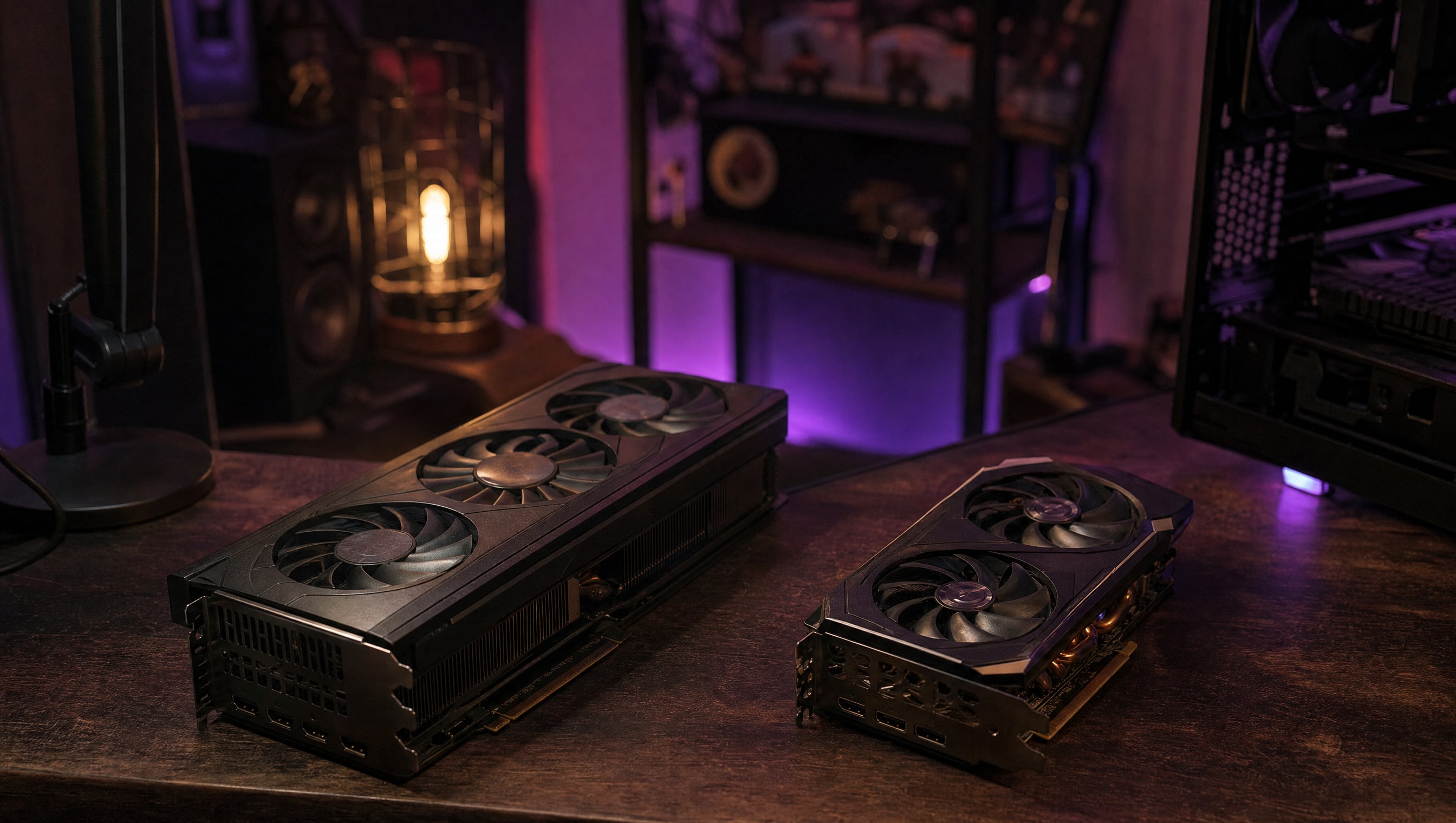
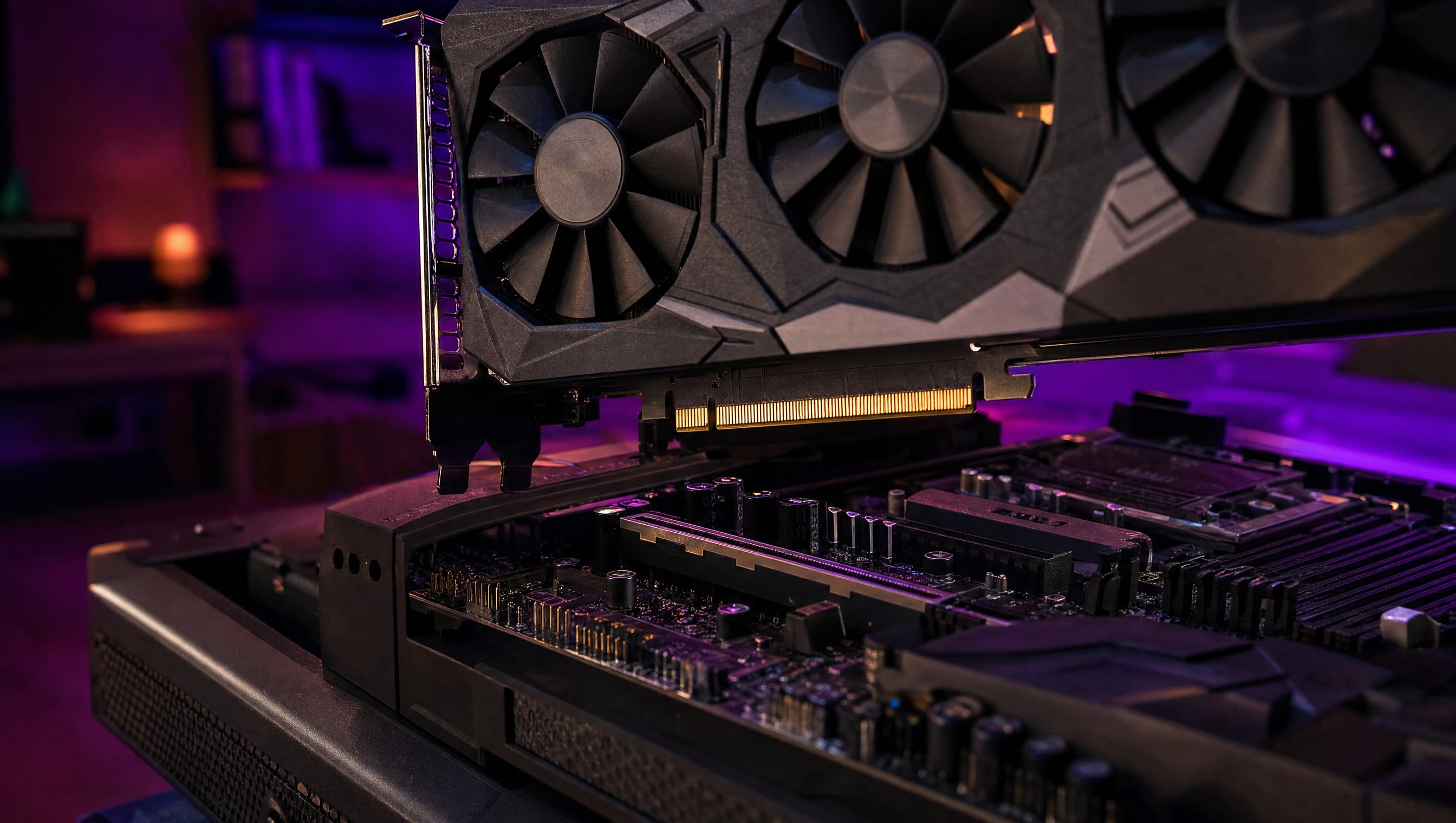
Every upgrade you will ever buy ends up in this one slot, and the three things that decide whether it goes in cleanly are all visible before you order: how long the card is, whether the latch is reachable once it is seated, and how many brackets the cooler covers.
5 PIECES · IN THE WORKSHOP
Five pieces on spending the next two hundred well, and on knowing when the answer is to spend nothing.
01
A twenty-minute test that tells you which part is holding the machine back.
★★☆ · 8 MIN
02
Most "I need a new card" is a setting three menus deep. Check first.
★★☆ · 6 MIN
03
Four numbers matter. The rest are there to make comparison hard.
★★☆ · 7 MIN
04
Length, height, slot count and power connectors, before the box arrives.
★☆☆ · 4 MIN
05
What last generation is actually worth, and how to describe it honestly.
★☆☆ · 5 MIN
FROM THE CURATOR
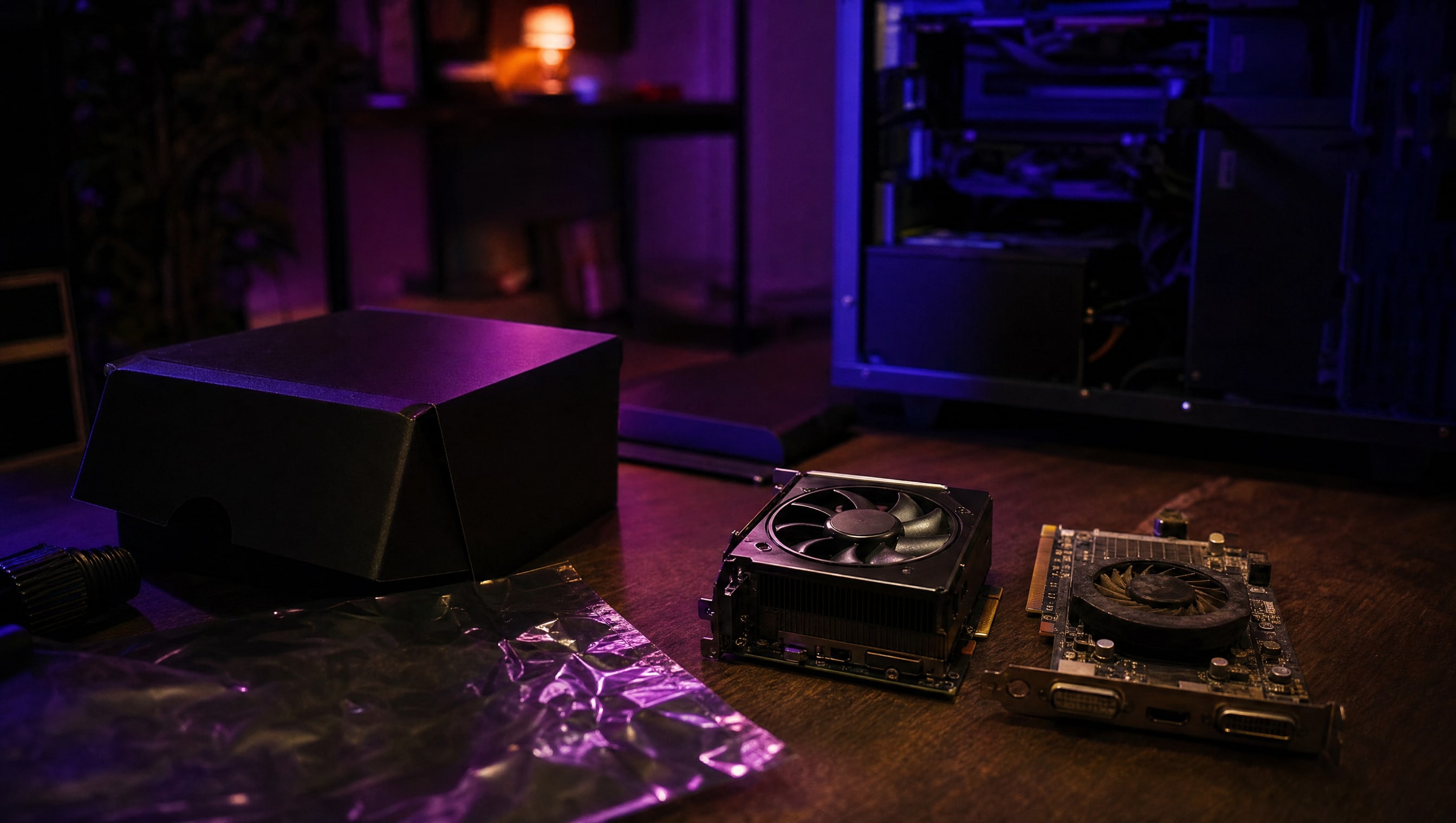
People upgrade the part with the best marketing rather than the part that is annoying them. If the machine is fast but loud, the upgrade is a cooler. If it is fast but you wait forty seconds to load in, the upgrade is a drive. A graphics card fixes exactly one complaint, and it is worth being honest about whether that is the complaint you actually have.
BY POPPY — CLASS: CURATOR · THEPINKPIPER.GG
SLOT 01 / 08 · PC BUILDING
Every station in this room has its own chapter. This one is 01. Back to the room to walk to another.