01
How to build a PC in the right order
Install outside the case first. The order that means nothing has to come back out.
★☆☆ · 9 MIN
 How To: Gaming
THE HOW TO CO. — EDITION 10
How To: Gaming
THE HOW TO CO. — EDITION 10
THE DETAIL
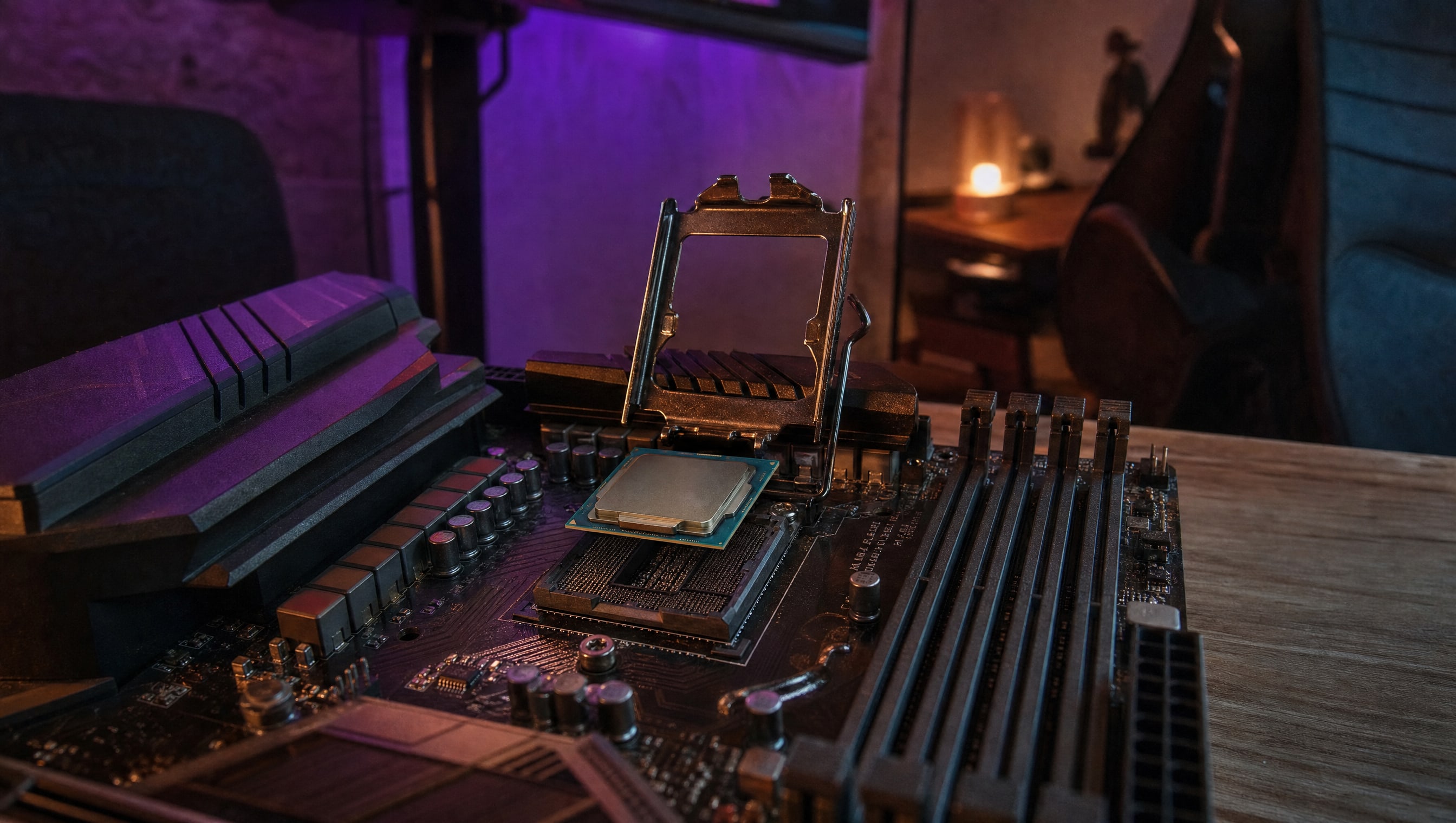
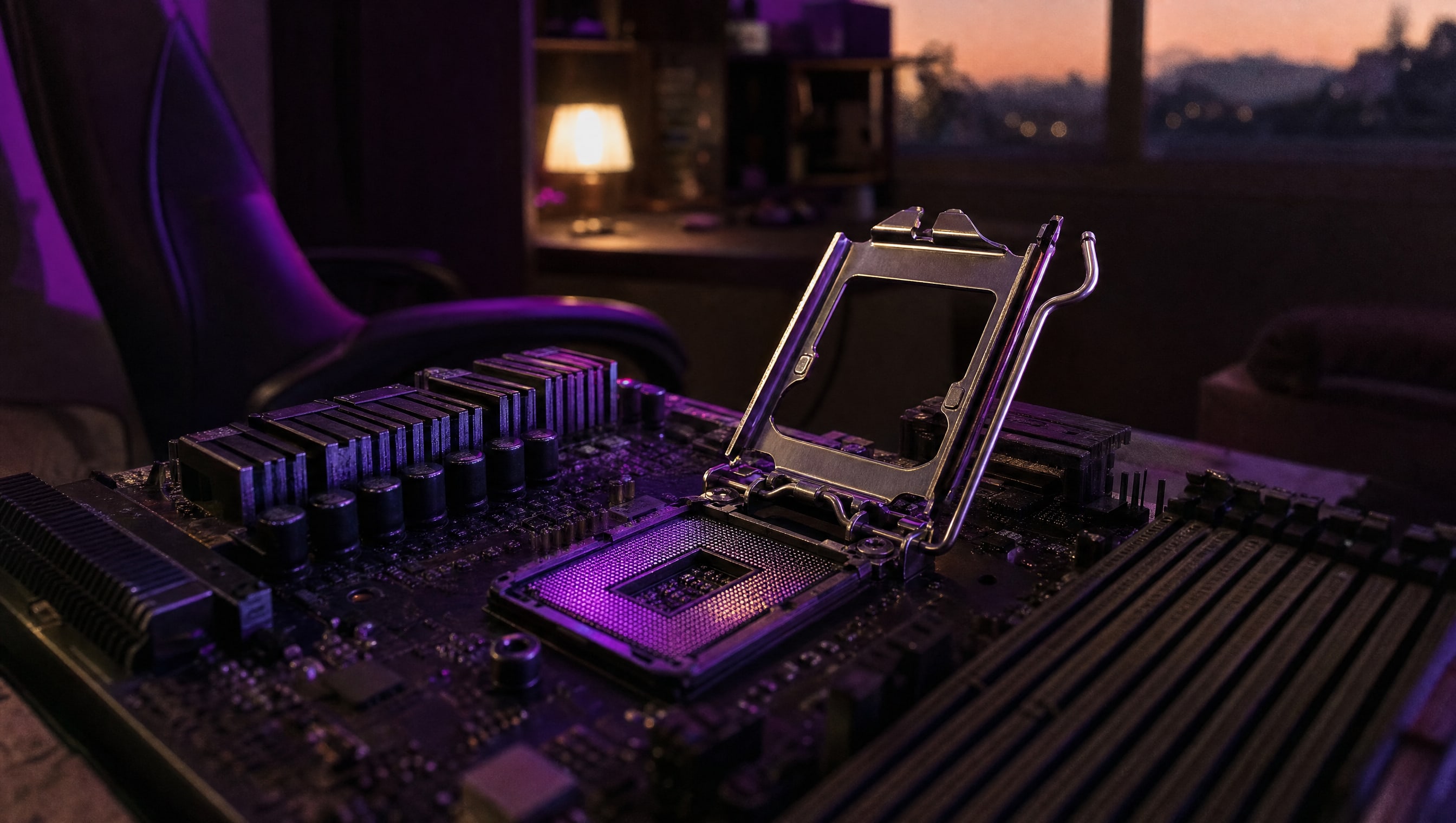
Everything intimidating about a first build is concentrated here, and almost all of it comes down to three things: a notch that only fits one way, an arm that needs real force, and an array you must never touch. Get those right and the rest of the build is plugging things in.
5 PIECES · IN THE WORKSHOP
Five pieces for the first build. Ordered the way the evening actually goes, not the way a spec sheet is organised.
01
Install outside the case first. The order that means nothing has to come back out.
★☆☆ · 9 MIN
02
The four places a first build needs real pressure, and the two where pressure breaks something.
★★☆ · 5 MIN
03
Fans spinning and nothing on screen is the standard first-build outcome. Work the list.
★★☆ · 7 MIN
04
A pea, a line, or a spread — the honest answer on which wins and by how much.
★☆☆ · 4 MIN
05
The smallest, worst-labelled part of the whole build, in one diagram.
★★☆ · 5 MIN
FROM THE CURATOR
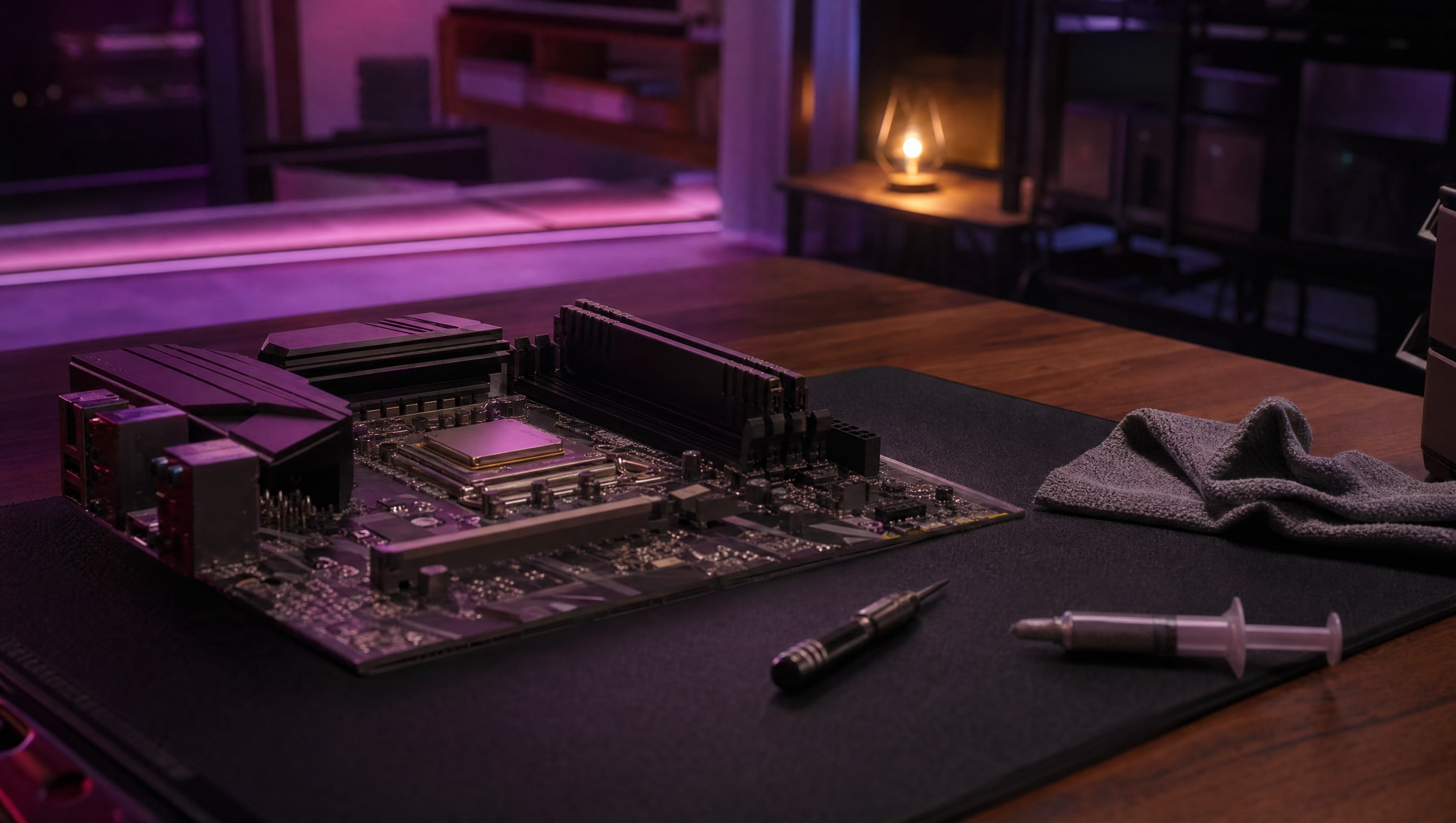
Put the board on top of the box it came in, and fit the processor, the cooler and the memory there — on the desk, in good light, with room for your hands. Then lift the whole assembly into the case. Every first-build horror story I hear starts with someone reaching into a dark steel box at an angle, with one hand, holding a torch in their teeth.
BY POPPY — CLASS: CURATOR · THEPINKPIPER.GG
THE REST OF THIS STATION
Parts & Upgrades THE TOP SLOT →Cooling & Cable Management BEHIND THE TRAY →SLOT 01 / 08 · PC BUILDING
Every station in this room has its own chapter. This one is 01. Back to the room to walk to another.